Bluetooth Low Energy
Bluetooth Low Energy Fundamentals
Details
Prerequisites
- Basic knowledge in the C programming language.
- Some experience in developing software for embedded systems.
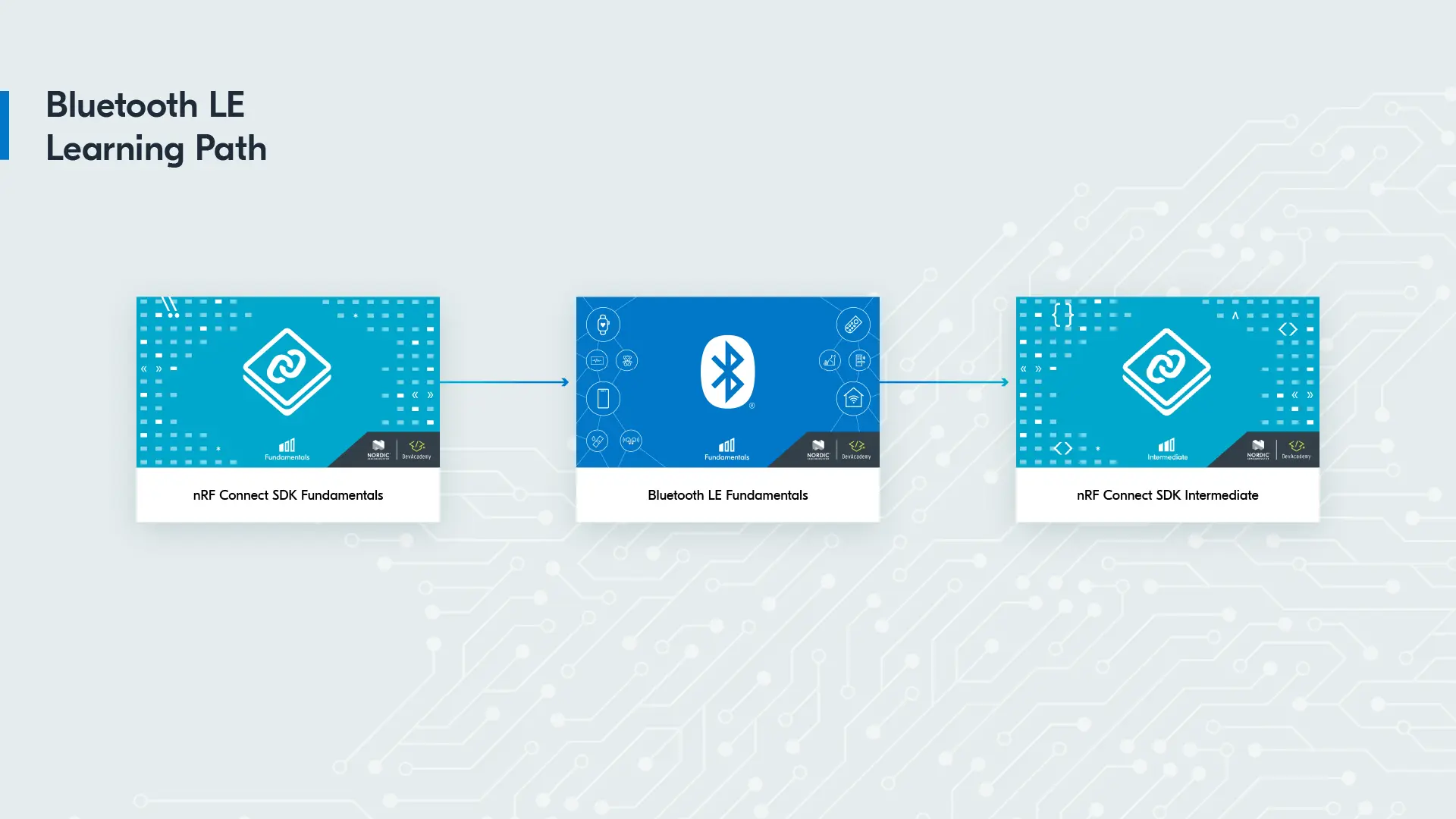
- nRF Connect SDK Fundamentals course
- (Required) Lesson 1
- (Recommended) Lesson 2 – Lesson 8
Hardware Requirements
- Any of the following development kits: nRF54LM20 DK, nRF54L15 DK, nRF54LS05 DK, nRF5340 DK, nRF52840 DK, nRF52833 DK, nRF52 DK
- A smartphone or a tablet (Android 4.3 or later and iOS version 16.0 or later)
- Special hardware requirements for Lesson 6
System Requirements
- A computer running Windows, macOS, or Linux
- An up-to-date web browser
Software requirements
Supported SDK versions
- nRF Connect SDK v3.3.0 – v2.3.0
- nRF Connect SDK v3.3.0 or higher is needed for the nRF54LS05 DK
- nRF Connect SDK v3.1.1 or higher is needed for the nRF54LM20 DK
- nRF Connect SDK v2.8.0 or higher is needed for the nRF54L15 DK
Course description
The Bluetooth Low Energy Fundamentals course is an online, self-paced course that focuses on teaching the basics of Bluetooth LE using Nordic Semiconductor devices (nRF54, nRF53, and nRF52 Series). Through hands-on learning, participants will learn how to create a Bluetooth LE prototype and establish a wireless, unidirectional and bidirectional data channel between two Bluetooth LE devices in a short period of time.
Upon completion of the course, participants will have a thorough understanding of the Bluetooth LE protocol and its layers, as well as knowledge of available APIs in the nRF Connect SDK, which is based on the Zephyr RTOS. Additionally, participants will have gained practical experience in configuring Bluetooth LE advertisements and connections, as well as insight into securing Bluetooth LE connections and inspecting packets over the air using nRF Sniffer.
What you'll learn
- Develop a solid comprehension of the most up-to-date Bluetooth LE application architecture.
- Acquire knowledge of Bluetooth LE advertising and its functionalities.
- Learn about Bluetooth LE connections and how to exchange data over Bluetooth LE.
- Gain insights on how to secure Bluetooth LE connections.
- Familiarize yourself with the Bluetooth LE APIs in the nRF Connect SDK.
- Learn about tools (nRF Connect for Mobile, nRF Sniffer) for debugging Bluetooth LE applications.
- Apply your learning through hands-on exercises to establish unidirectional and bidirectional data channel between two Bluetooth LE-enabled devices.
Who should enroll in this course?
You should enroll in this course if you are interested in learning about the Bluetooth LE protocol and want to build a Bluetooth LE prototype using Nordic Semiconductor’s products. The course is aimed to embedded software engineers, firmware developers, or anyone interested in microcontrollers and embedded systems.
Estimated time
Learning Objectives
- Get an overview of a Bluetooth LE application architecture
- Learn about the available device roles and communication topology options covered by Bluetooth’s Generic Access Profile (GAP)
- Practice through a hands-on exercise how to read the status of a button on your Nordic device via your smartphone by using the nRF Connect for Mobile app and establishing Bluetooth LE connection
- Practice through a hands-on exercise how to toggle a LED on your Nordic device via your smartphone by using the nRF Connect for Mobile app and establishing Bluetooth LE connection
- Understand the basics of the legacy advertising process and the different advertising parameters involved (advertising interval, TX power, channels, and PHY used)
- Learn about advertising types (connectable vs non-connectable, scannable vs non-scannable, etc. )
- Examine Bluetooth LE address types (Public, random, static, resolvable, etc.).
- Learn how to use nRF Connect SDK API to configure all aspects of Bluetooth LE legacy advertising
- Practice through hands-on exercises creating Bluetooth LE beacons
- Practice through hands-on exercises configuring the advertising packet of a Peripheral device during the device discovery phase
- Understand the connection process in Bluetooth LE
- Learn about the different connection parameters and what they do
- Learn how to change connection parameters
- Practice through hands-on exercises how to establish a connection and modify various connection parameters
- Understand the roles of the Generic Attribute Protocol (GATT) and Attribute Protocol (ATT)
- Learn how GATT is used to represent/exchange data in Bluetooth LE connections
- Examine the attributes table of a Bluetooth LE peripheral device
- Master how to create GATT services and characteristics
- Learn about the available standard Bluetooth LE services in nRF Connect SDK
- Practice through hands-on exercises creating and adding custom and standard Bluetooth LE service and characteristics
- Practice through hands-on exercises using GATT APIs (read, write, write with no response, notify, indicate)
- Understand the security model available in Bluetooth LE
- Examine the authentication and encryption procedures in Bluetooth LE
- Examine the bonding procedure and how data is stored in the flash memory
- Explore nRF Connect SDK Kconfig symbols related to security
- Practice through hands-on exercises using the APIs in nRF Connect SDK to secure a Bluetooth LE connection
- Learn how to use a Bluetooth sniffer to capture advertising packets
- Learn how to install and run Nordic’s Bluetooth sniffer, nRF Sniffer, to capture and analyze Bluetooth LE packets
- Using the nRF Sniffer, learn how to follow a connection and inspect the communication
- Observe and decrypt the Bluetooth LE communication of a secured connection
Course Content
Details
Prerequisites
- Basic knowledge in the C programming language.
- Some experience in developing software for embedded systems.
- nRF Connect SDK Fundamentals course
- (Required) Lesson 1
- (Recommended) Lesson 2 – Lesson 8
Hardware Requirements
- Any of the following development kits: nRF54LM20 DK, nRF54L15 DK, nRF54LS05 DK, nRF54LC10 DK, nRF5340 DK, nRF52840 DK, nRF52833 DK, nRF52 DK
- A smartphone or a tablet (Android 4.3 or later and iOS version 16.0 or later)
- Special hardware requirements for Lesson 6
System Requirements
- A computer running Windows, macOS, or Linux
- An up-to-date web browser
Software requirements
Supported SDK versions
- nRF Connect SDK v3.4.1 – v2.3.0
- nRF Connect SDK v3.4.1 or higher is needed for the nRF54LC10 DK
- nRF Connect SDK v3.3.0 or higher is needed for the nRF54LS05 DK
- nRF Connect SDK v3.1.1 or higher is needed for the nRF54LM20 DK
- nRF Connect SDK v2.8.0 or higher is needed for the nRF54L15 DK